

Quick answer
Software simulations are interactive copies of a system that people click through to learn a task. On a website or SharePoint page, they give staff and customers help when they’re stuck, with no course to open. Inside eLearning or a workshop, they gain the context and practice that make the skill stick.
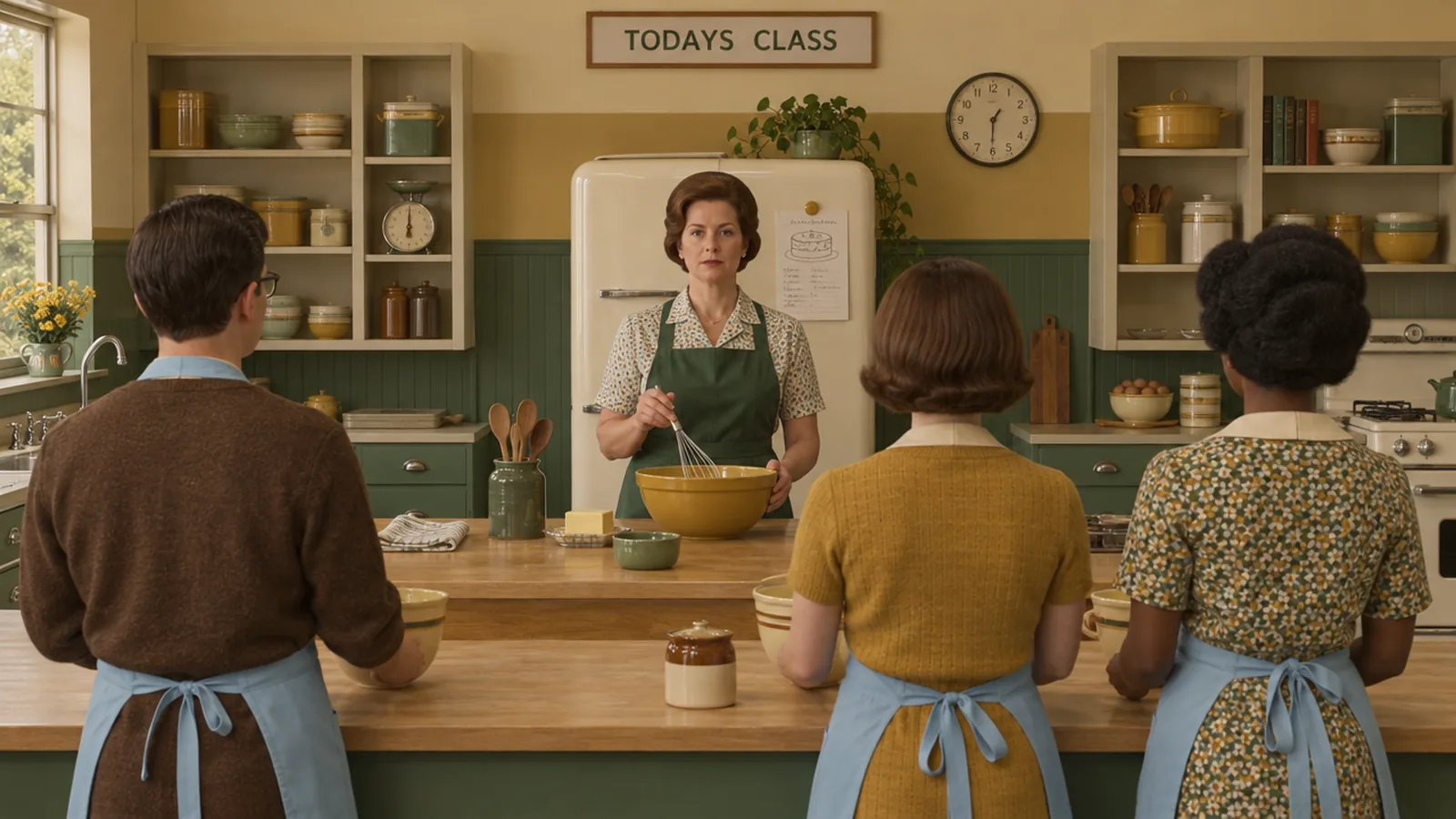
A recipe card on the fridge gets dinner made tonight. A cooking class teaches you why the sauce split. Software training needs both, and too often people get neither. They get a PDF of screenshots, a recorded webinar and the help desk’s phone number. Software simulations put people at the bench, clicking through the real task. Where a simulation lives decides who uses it and what they learn from it.
Key takeaways
- Put interactive software tutorials on your website, help centre or SharePoint when the goal is fast help, for customers and staff.
- Put the same simulations inside eLearning or a workshop when people need the why, practice with feedback or a record.
- Use three levels of help, a guided example, a partial run and a test, so each person starts where they are.
- Join them up in a learning campaign, so one capture serves every stage.
What is a software simulation?
A software simulation is a clickable copy of a real system that walks a person through a task, one screen at a time. People click the real buttons in the right order, with prompts when they need them, and nothing they do touches live data.
We build software simulations two ways. The first is iorad. It captures a task while someone does it and turns each click into a step we edit, brand and embed. The second is a custom HTML simulation, built by hand. It suits systems you can’t capture yet, scenarios with branching choices and screens that need made-up data.
Have a go at the one below. It shows a customer how to enrol in an Instructional Design Australia course.
How does a simulation compare with a PDF or a training video?
A simulation makes people do the task. Here’s how it stacks up against what most teams use today.
| Feature | Software simulation | The usual setup |
|---|---|---|
| Format | Clickable screens, opened at the moment of need | A PDF of screenshots |
| Practice | They do the task, click by click | They watch someone else do it |
| Pace | Watch it, try it or take the test | One speed for everyone |
| Updates | Edit one step and every copy updates | Re-record the whole video |
| Where it lives | Website, help centre, SharePoint, eLearning or a learning management system (LMS) | A shared drive, three folders deep |
| Customer support | Customers try it themselves before they ring | Another call to the help desk |
| Proof it worked | A quiz result in your LMS, exported as SCORM | An attendance sheet |
| Trainer needed | None to use it | A trainer in the room |
The last row needs care. A simulation runs without a trainer, but someone still has to explain why the task matters.
Why put a simulation on SharePoint or your website?
People get stuck in the middle of the job, so the help belongs where the job happens. A simulation on a help page, intranet or SharePoint site cuts out the course, the login and the wait.
That matters most for software simulations for customer education. Your customers won’t enrol in a course to learn your booking portal. They’ll search your help centre, try for a minute, then ring you. In Gartner research published in 2024 on a survey of 5,728 customers, only 14% of service issues were fully resolved in self-service. The most common reason, in 43% of cases, was that customers couldn’t find content relevant to their issue. A simulation on the page they already search lets them finish the task themselves.
Staff need the same. In 2024, we launched Horizon Power’s new SharePoint hub with three pages, and gave the interactive Planview tutorials one of them. The workforce learns its project management software beside the FAQs, in a hub built for them. The first stage ran six weeks. Read the Horizon Power case study.
For the hub itself, see how we build SharePoint learning hubs, or read whether SharePoint can stand in for a learning management system (LMS).
What do you lose when a simulation stands alone?
You lose the why. A standalone simulation teaches which buttons to press. It can’t tell people why a step matters, what goes wrong downstream when they skip it, or what good looks like in their role.
- Context. People need to know why a field matters, who relies on it and what a wrong entry costs the next person.
- Judgement. Clicks are easy to copy. Choosing the right option for a messy real case takes practice with feedback.
- The order of learning. Someone who lands on step 12 from a search misses steps 1 to 11.
- A record of competence. A tutorial on a public page can’t show that a named person can do the task.
We’re working with a national bank migrating to a new system right now. Their expectation is clear: from day one, when they turn the system on, they’ll have happy, confident staff who can use it the way it’s intended, with minimal errors.
That takes people who understand the process behind the screens, and a tutorial on a page can’t teach it alone.
Why do we embed simulations inside eLearning and workshops?
In a course, every click comes with a reason. Inside an eLearning module, the simulation follows the story of why the process exists and comes before a scenario that tests judgement. In a face-to-face session, it becomes an activity, and we often build in time for people to play and explore as they see fit.
Hands-on time is well spent. One person might try a shortcut, another might break the workflow on purpose, and the facilitator turns both into a conversation. The wider evidence backs active learning. Scott Freeman and colleagues reviewed 225 studies of university science, engineering and maths courses. Students in traditional lectures were 1.5 times more likely to fail than students in active learning classes.
Why do we like iorad for software training?
Watch the chef, cook beside the chef, then cook alone. We like iorad because one capture gives people those three levels of help: a guided example, a partial run and a test. iorad’s learning modes give more options, and these are the three we use most.
- Guided example. In Watch mode, people see the task done properly from start to finish, as a narrated video.
- Partial. In Try mode, people make each click themselves, and a prompt points to where the next click goes.
- Test. In Quiz mode, the on-screen prompts disappear. People complete the steps without them, against a pass mark that starts at 80% and can be changed.
That order follows the research. Alexander Renkl and Robert Atkinson describe fading, where worked examples help most early on and steps are handed over until people solve problems alone. Slava Kalyuga, Paul Ayres, Paul Chandler and John Sweller found that guidance that helps beginners can get in the way of experienced people. So your power users skip to the test, and your new starters watch first.
What does the ideal setup look like?
In a perfect world, we’d do all of the above as one learning campaign. Go-live is the pointy end of any system change. A campaign puts the right version of the simulation in front of people at each stage.
- Before go-live. A guided example in the launch email lets people look around the new screens early.
- In the eLearning. The guided example and the partial run sit inside the module, wrapped in the why.
- In the workshop. People get time to play and explore, with a facilitator on hand to answer questions.
- On the job. The same tutorials live on SharePoint, the intranet or your help centre, linked from QR codes on job aids.
- To prove it. The quiz goes into your LMS as a SCORM package, so the result sits on each person’s record.
One capture feeds all five, and an edit to one step updates every embedded copy.
Start with the task that trips people up.
See how we build software simulations, then tell us which task your people or customers ring about most.
Book a callWhen is a simulation the wrong tool?
A simulation is the wrong tool when the hard part of the job is a decision, a tiny task or a moving target.
- Judgement calls. If people know the screens but make the wrong decision, a branching scenario in software training eLearning fits better.
- Tiny tasks. A three-click task needs a quick reference guide, and a simulation would slow people down.
- Screens still changing. If the design will change every week until go-live, capture late, or start with an HTML mock-up of the signed-off design.
- Sensitive data. If the only environment holds real customer records, capture in a training environment or build an HTML simulation with made-up data.
FAQs about software simulations.
Hand them the recipe card, then run the class.
A simulation on your website or SharePoint is the recipe card on the fridge. It’s quick and it’s always there. Inside eLearning or a workshop, it’s the cooking class that explains why. Most programs need both, and a learning campaign joins them up.
We design and build software simulations in iorad and HTML, and put them into eLearning, workshops, SharePoint hubs, intranets and websites. Tell us the task your people or customers ring about most, and we’ll show you where its simulation should live.
References.
- Freeman, S., Eddy, S. L., McDonough, M., Smith, M. K., Okoroafor, N., Jordt, H. and Wenderoth, M. P. (2014). Active learning increases student performance in science, engineering, and mathematics. PNAS, 111(23), 8410 to 8415.
- Gartner (2024). Gartner survey finds only 14% of customer service issues are fully resolved in self-service. Press release, 19 August 2024.
- Kalyuga, S., Ayres, P., Chandler, P. and Sweller, J. (2003). The expertise reversal effect. Educational Psychologist, 38(1), 23 to 31.
- Renkl, A. and Atkinson, R. K. (2003). Structuring the transition from example study to problem solving in cognitive skill acquisition. Educational Psychologist, 38(1), 15 to 22.
- iorad. Learning modes, Quiz accuracy and Advanced exports.
- Microsoft Support. Use the Embed web part.

Michael Peart
Managing Partner, Hungry Minds
Michael Peart is Managing Partner and Senior Learning Designer at Hungry Minds, an Australian learning design consultancy. If you’ve asked us about a new program, you’ve met Michael. He turns your business goal into a sharp learning strategy, then drives it all the way to results.

